How to Reduce Site Clashes in Construction: Site Management Done Right
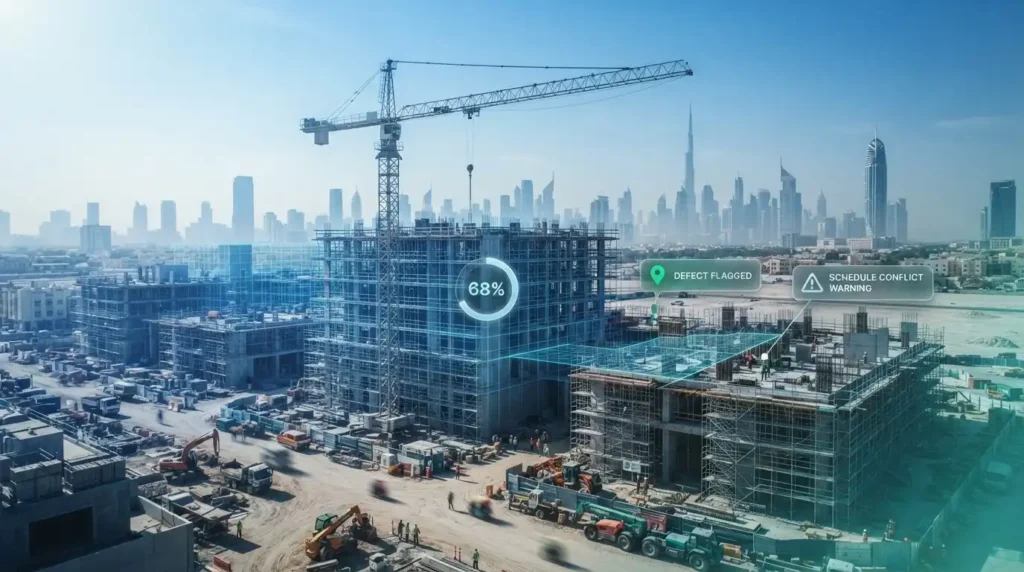
Every clash on site is a conversation that should have happened yesterday.
Every construction site runs on hundreds of small handoffs a day between trades, engineers, and the office. When even a few of those handoffs break down, the result is a site clash: two crews claiming the same workspace, a subcontractor working from a drawing revision nobody told them was replaced, or a defect that gets logged three times because no one can see what was already reported.
Learning how to reduce site clashes in construction is less about hiring more supervisors and more about giving everyone on the project the same real-time picture of the site, which is exactly what purpose-built construction management software is designed to do. This article breaks down what site clashes actually cost, why the generic tools most teams default to make the problem worse, and how software built specifically for construction sites closes the gap.
What Counts as a "Site Clash," and Why Is It So Expensive?
A site clash is not only two pipes crossing in a 3D model. On an active jobsite, clashes show up in at least four everyday forms: schedule clashes (two trades scheduled into the same physical space or the same crane slot), information clashes (a crew working from an outdated drawing while the office has already issued a revision), communication clashes (a defect or instruction that gets interpreted differently by the contractor and the consultant), and documentation clashes (paper records that get lost, duplicated, or contradict each other during a dispute).
Research from FMI Corporation puts the annual cost of construction inefficiency, including rework and communication breakdowns, at more than $177 billion in the US alone, with roughly 48% of that rework traced back to poor collaboration and 26% to miscommunication specifically. Academic studies on rework place the figure at 5 to 10% of total project value on a typical job, climbing toward 20% on poorly managed ones. None of that is a materials problem. It is a coordination problem, and understanding it is the real starting point for how to reduce site clashes in construction, since you cannot fix a clash you have not categorized.
Why Generic Project Management Tools Make Site Clashes Worse
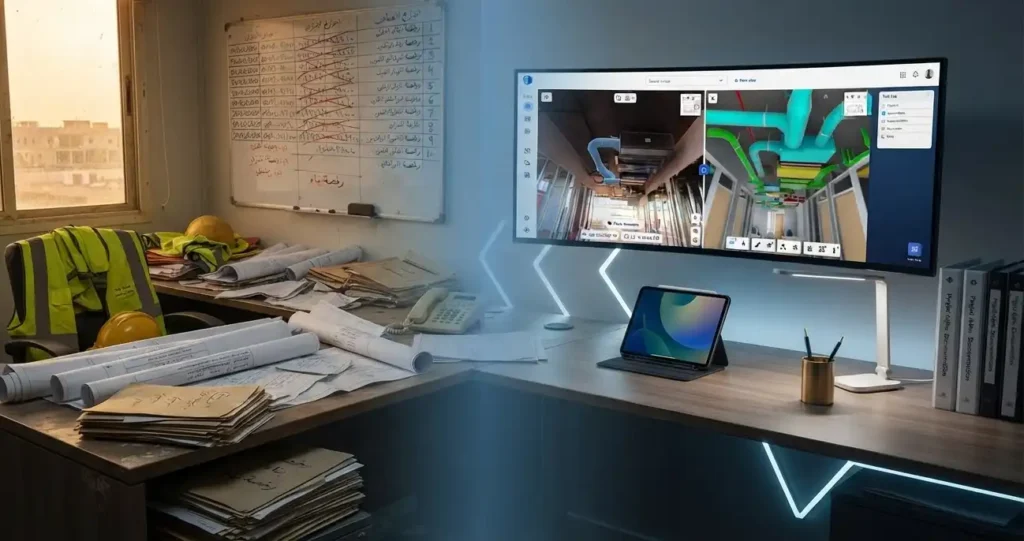
Most site clashes are not caused by a lack of effort. They are caused by teams trying to run a construction site on tools that were never built for one. A shared spreadsheet cannot tell a foreman which drawing revision is current. A WhatsApp group cannot preserve a photo-dated record of a defect for a dispute six months later. A generic task board built for software teams has no concept of a punch list, a submittal, or an RFI tied to a specific location on a floor plan.
This is where the distinction matters most: generic project management software manages tasks, while construction site management software manages a physical site, its drawings, its trades, and its evidence trail, all at once. Without that distinction, every clash gets rediscovered in the field instead of caught before it costs a day of schedule, which is exactly why so many teams asking how to reduce site clashes in construction are really asking which category of software they should be using in the first place.
Generic PM Tools vs. Purpose-Built Site Management Software
Seen side by side, the difference explains most of how to reduce site clashes in construction without adding headcount: the right software simply removes the gaps where a clash used to hide.
| Capability | Generic PM Tools (spreadsheets, WhatsApp, Trello-style boards) | Purpose-Built Site Management Software (Procore, PlanRadar) |
|---|---|---|
| Drawing version control | Manual, relies on someone remembering to reshare | Latest revision always visible, tied to the location on the plan |
| Field-to-office sync | Delayed, often end-of-day or next-day | Real-time, updated from the site itself |
| Defect and punch list tracking | Scattered across chats, notebooks, and photos | Centralized, timestamped, assigned, and tracked to closure |
| RFI and submittal workflow | Email threads with no single audit trail | Structured workflow with a clear owner and deadline |
| Dispute and handover evidence | Fragmented photos and memory | Dated, location-tagged records built for this exact purpose |
| Offline site access | Rare or unreliable | Built for mobile, offline-capable field use |
How Purpose-Built Site Management Software Closes the Gap
This is how to reduce site clashes in construction in practice: replace the scattered channels a site currently relies on with one connected system that the field and the office both work from in real time.
How Does Procore Reduce Site Clashes at the Project Level?
Procore does this at the project level. It centralizes scheduling, RFIs, submittals, and daily logs from preconstruction to closeout, so a schedule clash or an unanswered RFI is visible to every stakeholder the moment it happens rather than surfacing during a site walk a week later. Instead of a main contractor and five subcontractors each keeping their own version of the master schedule, Procore from GFT gives every party the same live source of truth.
How Does OpenSpace Protect You When a Dispute Happens?
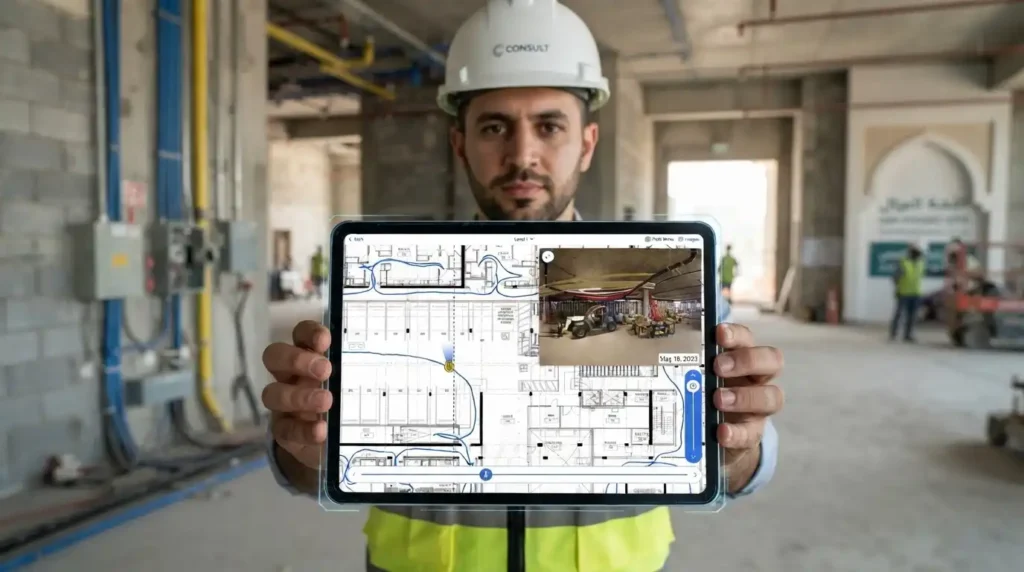
OpenSpace adds a layer of proof to the process: 360° photo documentation of the site on a walkable timeline, so when a dispute does happen, there is a dated visual record of exactly what the site looked like on a given day, not two conflicting accounts of it. OpenSpace 360° capture from GFT turns that record into evidence rather than argument, which matters because how to reduce site clashes in construction is only half the job, the other half is proving a clash was resolved correctly if it is ever questioned later.
What "Site Management Done Right" Actually Looks Like
Firms that put this in place are not eliminating every clash. They are catching most of them before they cost a day of schedule. A GFT client case study quantifying the exact reduction in schedule clashes after adopting Procore and PlanRadar together will be added here once results are finalized, in the same way GFT documents its verified PlanSwift takeoff savings.
What the wider research already supports is directional and real: firms with consistent, standardized digital site processes keep rework under 5% of budget roughly 56% of the time, compared to only 37% of firms without those standards, and 90% of PlanRadar customers report a measurable reduction in rework after adopting standardized digital processes. That is the practical shape of how to reduce site clashes in construction: standardize the process before you need it, not after a dispute forces the question.
How to Do Site Management Right: A Working Checklist
Every clash you resolve before it reaches the field is a day of schedule you keep.
Teams that actually see fewer clashes tend to follow the same rollout, in the same order, and it rarely starts with buying software. This is the checklist version of how to reduce site clashes in construction: four stages, each with specific actions a project manager or site lead can check off rather than a vague instruction to “communicate better.”
Stage 1 — Set the foundation (before you touch any software), Week 1
- Pull the last three months of delays, defects, and disputes and tag each one: schedule clash, information clash, communication clash, or documentation clash.
- Total the days lost to each category. The category with the highest number is your first fix, not the one that feels most urgent this week.
- Pick one drawing set as the single source of truth and retire every parallel copy in circulation: printed sets, personal PDFs on laptops, old email attachments.
- Name one revision owner per trade, responsible for confirming their crew starts each day on the current drawing version, not last week's.
- Decide, in writing, which platform handles which job (for example: Procore for schedule and RFIs, PlanRadar for defects and punch lists) so nobody is guessing where to log something.
Stage 2 — Put it into daily practice, Weeks 2 to 4
- Require every defect, punch item, or non-conformance to be logged from the field, at the location, on the day it is found, not batched at the end of the week from memory.
- Set a maximum RFI response window (three working days is a common starting point) and track breaches instead of letting answers stall silently.
- Route every schedule change through the one shared calendar or board every trade foreman can see. If it did not go through that system, it did not happen.
- Photograph or 360°-capture high-risk zones (shared work areas, tie-in points, MEP-congested floors) on a fixed weekly cadence, not only when something goes wrong.
- Run a five-minute daily huddle where the site engineer reads out anything logged in the last 24 hours that touches more than one trade.
Stage 3 — Make it stick, Month 2 onward
- Review the clash log every month with site leads: is the same category recurring, or are counts genuinely dropping stage by stage?
- Close the loop on every logged item with a real status: open, in progress, resolved, verified. "Resolved" without verification is how the same clash comes back.
- Retrain, in person, any trade or subcontractor still bypassing the system, printing drawings anyway, texting photos instead of logging them. The software only works if everyone is actually using it.
- Add one new automation per quarter (for example, auto-notifying a trade lead the moment a defect is logged in their zone) instead of trying to digitize every workflow on day one.
Stage 4 — Protect the project before a dispute happens
- Keep a running dated photo or 360° timeline of every major milestone and handover point, not only problem areas, so you have a full record, not a curated one.
- Export and archive monthly defect logs, RFI logs, and schedule snapshots so the record survives even if you change software later.
- Confirm subcontractor and consultant contracts name the digital log as the official project record, not paper diaries, so this checklist actually has legal weight if a dispute reaches a claim.
Run through these four stages once and you have not just reduced today’s clashes — you have built the process that keeps answering how to reduce site clashes in construction on every project after this one, without starting the checklist from scratch each time.
How Does PlanRadar Reduce Site Clashes at the Field Level?

PlanRadar does this at the field level. It turns defect tracking, punch lists, and progress reporting into a single mobile interface a site engineer can update from the exact location of the issue, with the office seeing the update instantly instead of days later on a paper form. That single change, real-time field-to-office sync, is one of the most direct answers to how to reduce site clashes in construction, because it removes the lag where two versions of “what’s happening on site” can drift apart. PlanRadar from GFT is what most GFT clients use to close that lag.
Still Coordinating Your Site Through Five Different Chat Groups and a Shared Drive?
Frequently Asked Questions
What Is the Fastest Way to Reduce Site Clashes in Construction?
Start by auditing where your current clashes come from, schedule, information, communication, or documentation, then close the single biggest gap first with one connected tool rather than trying to fix everything at once. Most teams see the fastest results by getting the field and the office onto the same real-time drawing and defect log before adding anything else.
Is Site Clash Reduction Only About BIM Clash Detection?
No. BIM-stage clash detection catches design clashes before construction starts, but a large share of site clashes happen after that stage, during construction, when schedules, information, and communication drift apart in the field. How to reduce site clashes in construction on an active job is mostly about field coordination software, not model coordination software.
Can Spreadsheets and WhatsApp Groups Ever Be Enough to Manage a Construction Site?
They can work on very small jobs with a handful of people, but they break down quickly as trade count and site size grow, since neither tool preserves version history, ties a defect to a location on a plan, or gives the office a real-time view of the field. That gap is exactly why construction-specific site management software exists.
Do Procore and PlanRadar Do the Same Thing?
No, and that is why GFT typically recommends them together rather than as alternatives. Procore centralizes project-level coordination: scheduling, RFIs, submittals, and daily logs. PlanRadar focuses on field-level execution: defects, punch lists, and progress reporting from the exact point on site where the issue is. Used together, they cover both the office view and the field view of the same project.
Does Adding Software Always Guarantee Fewer Site Clashes?
No. The tool only closes the gap if the team actually standardizes how it is used, one shared drawing source, one place to log defects, one workflow for RFIs. Software without a standardized process just becomes a faster way to record the same clashes rather than a way to prevent them.
Related Topics You Might Want to Check