Best Quantity Takeoff Software for Contractors in UAE & KSA
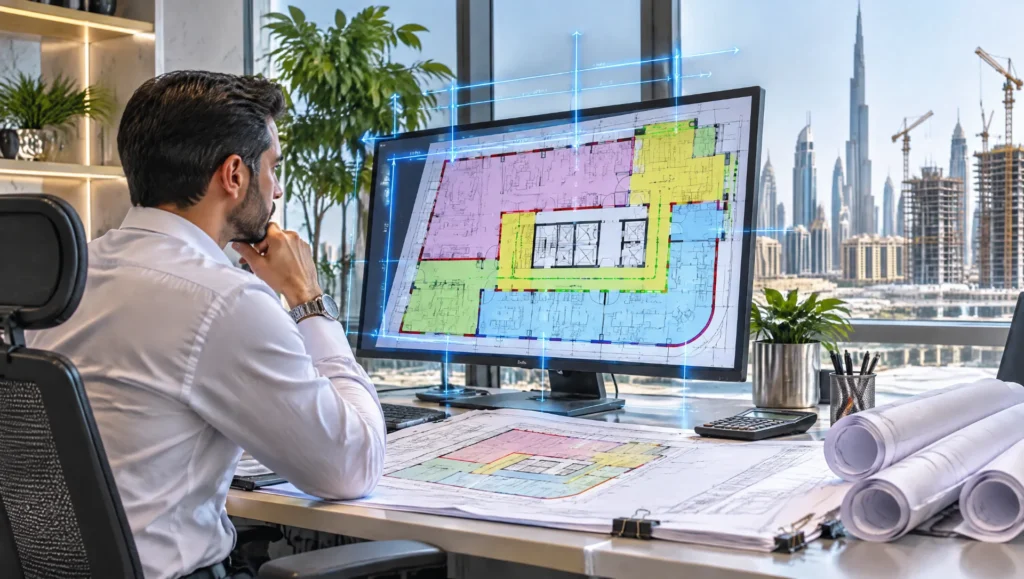
Every tender in the UAE and Saudi Arabia is won or lost on the quality of its quantities. If your estimators measure the wrong area, miss a line of pipe or double-count doors, the BOQ carries that error straight into your price. The right quantity takeoff software removes most of that risk and gives your team hours back on every bid. This guide explains what to look for in quantity takeoff software, compares the main options GCC contractors use today (PlanSwift, Sparkel, and manual spreadsheet methods), shows how much time digital takeoff can save per tender, and helps you choose the right tool for your team size.
What to look for in takeoff software
Most products promise speed. The better question is whether the quantity takeoff software fits the drawings you actually receive, the BOQ format your clients expect, and the skills your team already has. Use these four criteria to compare any option.
PDF and drawing support
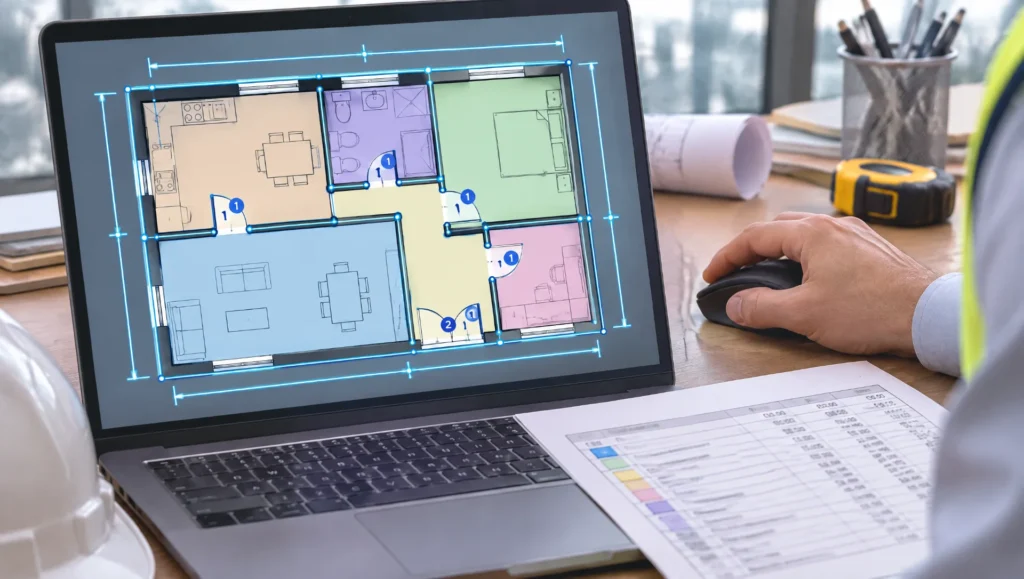
In GCC tenders, most drawings still arrive as PDF sets, often hundreds of sheets across architectural, structural and MEP packages, sometimes as scanned images. Your quantity takeoff software must open large PDF sets quickly, set scale reliably on each sheet, and handle other plan formats such as DWG, TIFF and JPG when a consultant sends them. If your clients also issue BIM models, check whether the tool can read open IFC files, or whether you will need a second tool for 3D takeoff.
Area, linear and count accuracy
Every BOQ is built from three basic measurements: areas (slabs, finishes, waterproofing), lengths (walls, pipes, cable trays, skirting) and counts (doors, fixtures, outlets). Good quantity takeoff software measures all three directly on the drawing, subtracts openings automatically, handles curved and irregular shapes, and keeps every measurement visible on the sheet so a reviewer can check it. Look for color-coded takeoff layers and a clear audit trail, so a senior QS can verify a junior estimator’s work in minutes.
Assemblies and BOQ export
Measuring is only half the job. The real time savings come when one measurement drives several BOQ lines. For example, one wall length can generate blockwork, plaster on both sides, paint and skirting in a single step. This is what assemblies (or formulas) do. Then check export: your quantity takeoff software should send quantities to Excel in your own BOQ template, follow your client’s item structure, and work with measurement standards such as the RICS New Rules of Measurement (NRM2) that many GCC consultants follow.
Learning curve and local training
A powerful tool your estimators avoid is worth nothing. Ask how long a new estimator needs to produce a reliable takeoff, whether training is available in Arabic and English, and who answers support questions in your time zone during a tender deadline. Local training on your own drawings shortens the learning curve far more than generic video courses.
Takeoff tools compared
Here is how the three main approaches compare across the criteria above.
| Criteria | PlanSwift | Sparkel | Manual and spreadsheet methods |
|---|---|---|---|
| Best for | 2D takeoff from PDF drawing sets | AI takeoff from PDFs and 3D IFC models | Very small or one-off jobs |
| Drawing input | PDF, DWG, TIFF, JPG | PDF and IFC (browser-based) | Paper prints or PDF with manual scaling |
| Area, linear, count | Point-and-click plus AI Auto Takeoff and Auto Count | AI Autoshapes detect rooms, areas and symbols | Measured by hand, typed into Excel |
| Assemblies | Drag-and-drop assemblies for material and labor | Quantity tables structured to your BOQ | Custom formulas built per sheet |
| BOQ export | Excel (including live link), PDF, CSV | Excel and structured quantity tables | Native Excel, but no link to drawings |
| Revisions | Re-measure changed areas on the new sheet | Quantities stay live across revisions | Usually restart the takeoff |
| Learning curve | Short; familiar point-and-click workflow | Short for PDF; BIM needs model knowledge | None to start, but slow and error-prone |
PlanSwift: 2D takeoff for estimators
PlanSwift is one of the most widely used quantity takeoff software tools for estimators and quantity surveyors who work from 2D drawings. You open your PDF or image plans, set the scale and measure areas, lengths, segments and counts with simple point-and-click tools. Drag-and-drop assemblies turn each measurement into material, labor and waste quantities, and results export to Excel, including a live link that updates your spreadsheet as takeoff values change.
The 2026 Takeoff Boost release adds AI to the measurement itself. Auto Takeoff runs a first-pass area, linear and count takeoff across a plan page, Auto Count finds repeated symbols, and Auto Scale and Auto Bookmark remove setup work. The estimator then reviews and refines the result instead of clicking every line. Read our full breakdown of PlanSwift Takeoff Boost features or follow the PlanSwift tutorial from drawing to BOQ.
PlanSwift fits QS teams, subcontractors and contractors who price most tenders from PDF drawing sets and want a fast, proven tool with a short learning curve.
Sparkel: AI takeoff from 3D models
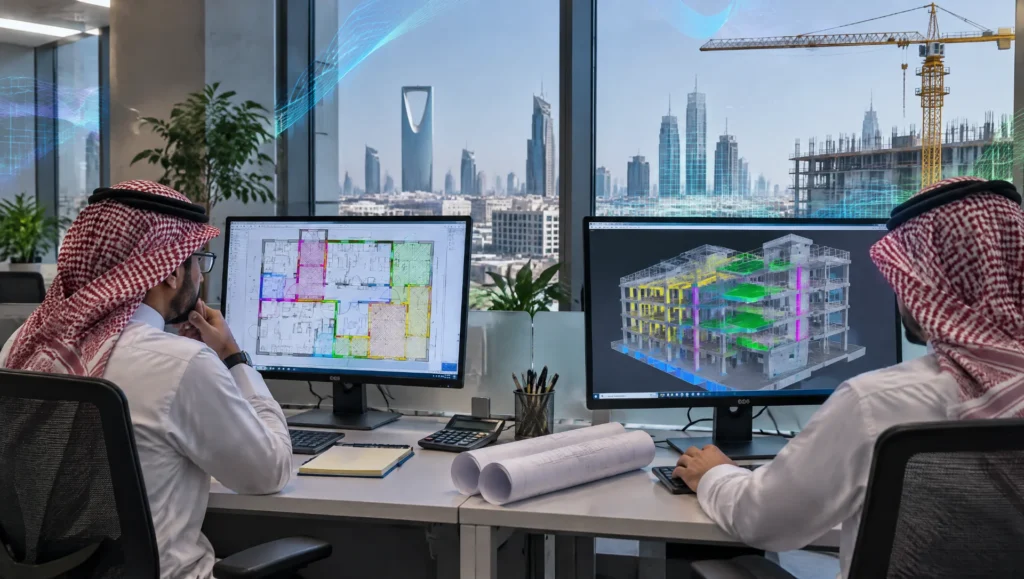
Sparkel is a browser-based quantity takeoff software platform that reads both 2D PDF drawings and 3D BIM models in open IFC format inside one workspace. Its AI detectors, called Autoshapes, find rooms, areas, zones and repeating symbols automatically and turn them into live quantity rows in tables you structure to match your BOQ and cost codes.
Sparkel is built for imperfect inputs. BIM models rarely arrive structured the way a BOQ needs them, so Sparkel lets your estimators decide which model elements count and how they are measured, instead of trusting a flat list exported from the model. Quantities stay live across revisions, which helps on GCC projects where drawing issues change late in the tender. Learn more in our guide to Sparkel AI and automated BOQs.
Sparkel fits contractors and QS teams that receive BIM models on larger projects, or that want AI detection across both PDFs and models in one place.
Manual and spreadsheet methods
Many GCC estimating teams still measure with scale rulers, highlighters and printed drawings, or by measuring PDFs on screen and typing values into Excel. This approach has real strengths: there is no license cost, every estimator knows Excel, and spreadsheets are flexible.
The weaknesses grow with project size. Measurements are not linked to the drawing, so nobody can see what was measured or check it quickly. Copy and transposition errors slip into the BOQ. Revisions usually mean starting again. And the hours spent measuring are hours not spent checking rates, comparing subcontractor quotes or reviewing risk. For one-off small jobs, manual methods can work. For a team bidding several tenders a month, they become the bottleneck.
How much time digital takeoff saves per tender

The time saved depends on the size of the drawing set, how repetitive the drawings are, and how many revisions arrive before submission. Instead of quoting a single number, it helps to break the takeoff into its parts.
PlanSwift reports that its Auto Takeoff runs a full-page area, linear and count takeoff in about 30 seconds, leaving the estimator to review and refine. In its own words, AI takeoff gives estimators an estimated 80% head start on the work. Even without AI, digital point-and-click measurement removes printing, manual scaling and retyping values into Excel.
Here is a simple worked example you can adapt to your own tenders. These figures are an illustration, not a benchmark:
| Takeoff step (80-sheet tender) | Manual and spreadsheet | Digital takeoff | Digital with AI first pass |
|---|---|---|---|
| Setup: printing, scaling, organizing sheets | 4 hours | 1 hour | 15 minutes |
| Measuring areas, lengths and counts | 30 hours | 14 hours | 5 hours (review and refine) |
| Building BOQ lines in Excel | 6 hours | 2 hours | 2 hours |
| Re-measuring one revision | 8 hours | 3 hours | 1 hour |
| Total | 48 hours | 20 hours | About 8 hours |
To run the numbers for your team, multiply the sheets in a typical tender by the minutes your estimators spend per sheet today, then repeat with a digital tool during a trial. The difference, multiplied by the tenders you bid each year, is the capacity your team gains.
The bigger gain is often not speed but quality. Construction has a long-documented productivity gap: McKinsey Global Institute research found that construction labor productivity grew by only about 1% a year over two decades. Quantity takeoff software closes part of that gap by letting estimators spend their time on pricing and risk instead of counting. Before submission, run every takeoff through our pre-bid takeoff checklist.
Choosing the right tool for your team size

There is no single best quantity takeoff software for every contractor. The right choice depends on your team size, the drawings you receive and how many tenders you bid.
| Team size and situation | Recommended approach | Why |
|---|---|---|
| Solo estimator or small subcontractor | PlanSwift | Fast 2D takeoff from PDFs with a short learning curve |
| Small QS team (2 to 5 estimators) | PlanSwift with shared assemblies | Consistent measurements and BOQ templates across the team |
| Mid-size estimating department (5 to 15) | PlanSwift, plus Sparkel for BIM tenders | Covers PDF and model-based tenders without changing workflows |
| Large contractor or QS consultancy working with BIM | Sparkel, alongside PlanSwift for 2D packages | AI takeoff from IFC models and PDFs, live across revisions |
| Occasional small jobs only | Manual methods can still work | Low volume does not justify a license yet |
A practical rule: if most of your tenders arrive as PDF drawing sets, start with PlanSwift. If BIM models are becoming part of your tenders, or you want AI detection across drawings and models in one workspace, add Sparkel. Many GCC estimating teams run both. Whichever quantity takeoff software you choose, GFT supports it locally with installation, training in Arabic and English, and technical support during tender deadlines. You can request a free software trial or talk to our team about the right setup for your estimators.
Try quantity takeoff software on your own tender
Test PlanSwift or Sparkel on a real drawing set from your next tender, with setup and guidance from GFT’s team in Arabic and English.
FAQs
What is the best quantity takeoff software for contractors in UAE and KSA?
It depends on your drawings. PlanSwift is the strongest fit for teams that price tenders from 2D PDF drawing sets. Sparkel is the better fit when you also receive BIM models in IFC format and want AI takeoff across drawings and models. Many GCC teams use both.
Can quantity takeoff software export to my BOQ template in Excel?
Yes. PlanSwift exports to Excel, including a live link that updates your spreadsheet as takeoff values change, and can use your existing Excel templates. Sparkel lets you structure quantity tables to match your own BOQ format and cost codes before export.
Does PlanSwift work with BIM models?
PlanSwift is built for 2D takeoff from PDF and image-based drawings. For takeoff from 3D BIM models, Sparkel reads open IFC files and PDFs in one workspace, so the two tools complement each other.
How long does it take to learn quantity takeoff software?
Most estimators learn PlanSwift’s point-and-click workflow quickly, and Sparkel’s PDF takeoff is similar. BIM-based takeoff takes longer because it needs some model knowledge. Hands-on training on your own drawings, which GFT offers in Arabic and English, shortens the learning curve significantly.
Is digital takeoff accurate enough for tender BOQs?
Yes, when it is reviewed properly. Digital tools measure directly from scaled drawings and keep every measurement visible for checking, which removes most transcription and counting errors. AI takeoff gives a fast first pass, and the estimator stays responsible for reviewing and refining it.
Related Topics You Might Want to Check